When connected, the device checks for updates automatically. After a firmware upgrade, the first visit to the home screen shows a WHAT'S NEW dialog describing the release; close it with the ✕. You can also check manually or toggle Auto Upgrade in Settings → GENERAL → System Update.
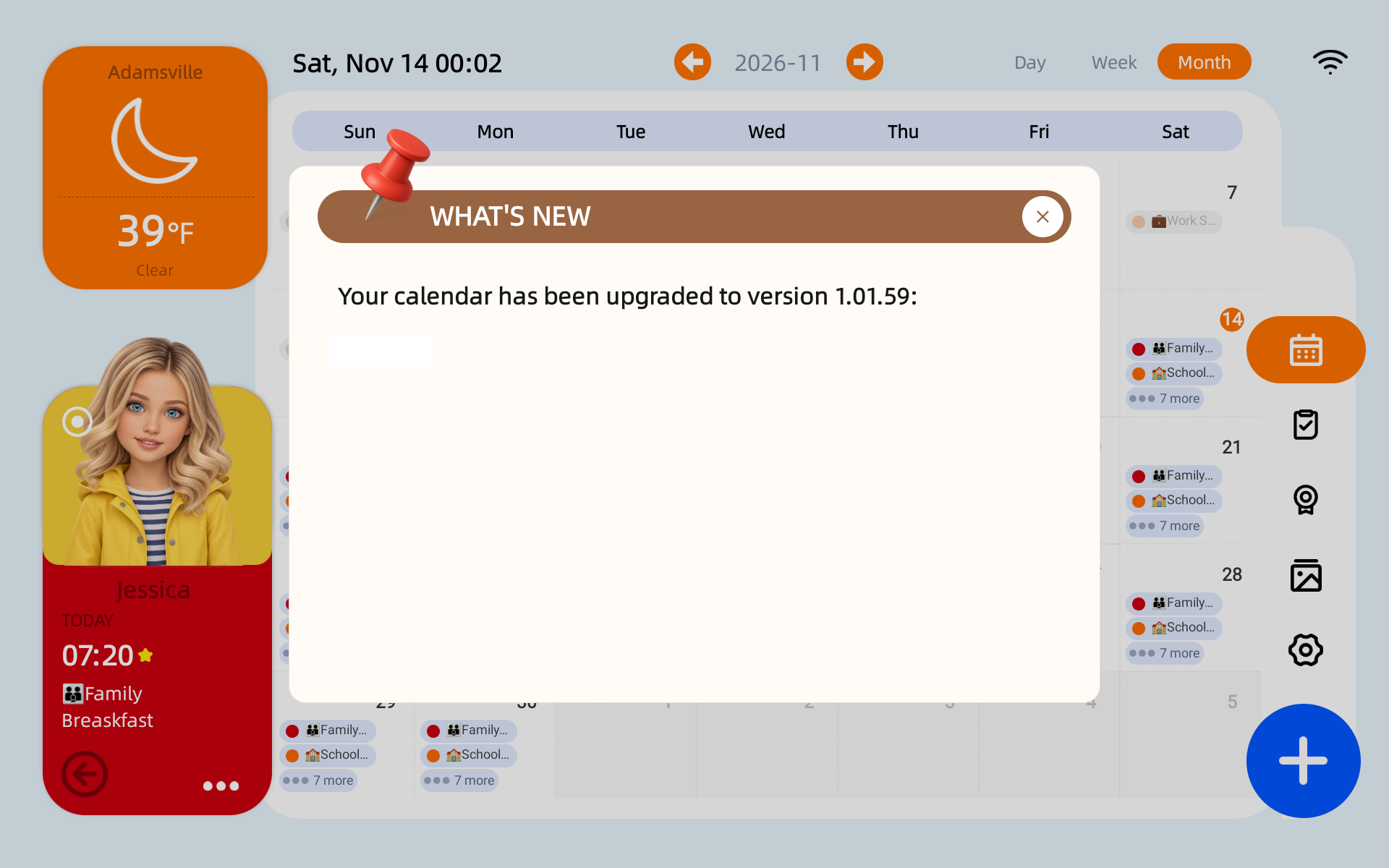
WHAT'S NEW release-notes dialog