Tap Sleep Mode in GENERAL and the right side shows the screen-off/screen-on pickers: Screen Off (e.g. 23:00) and Screen On (e.g. 07:00). Adjust with the scroll wheels and confirm with the green ✓.
- With Sleep Mode enabled the device sleeps automatically during the window to save power — no schedule
or photo display while asleep.
- Birthday/holiday celebration scenes falling inside the sleep window are postponed until the screen wakes
(see 8.4).
- The device wakes automatically at the Screen On time and resumes normal display and reminders.
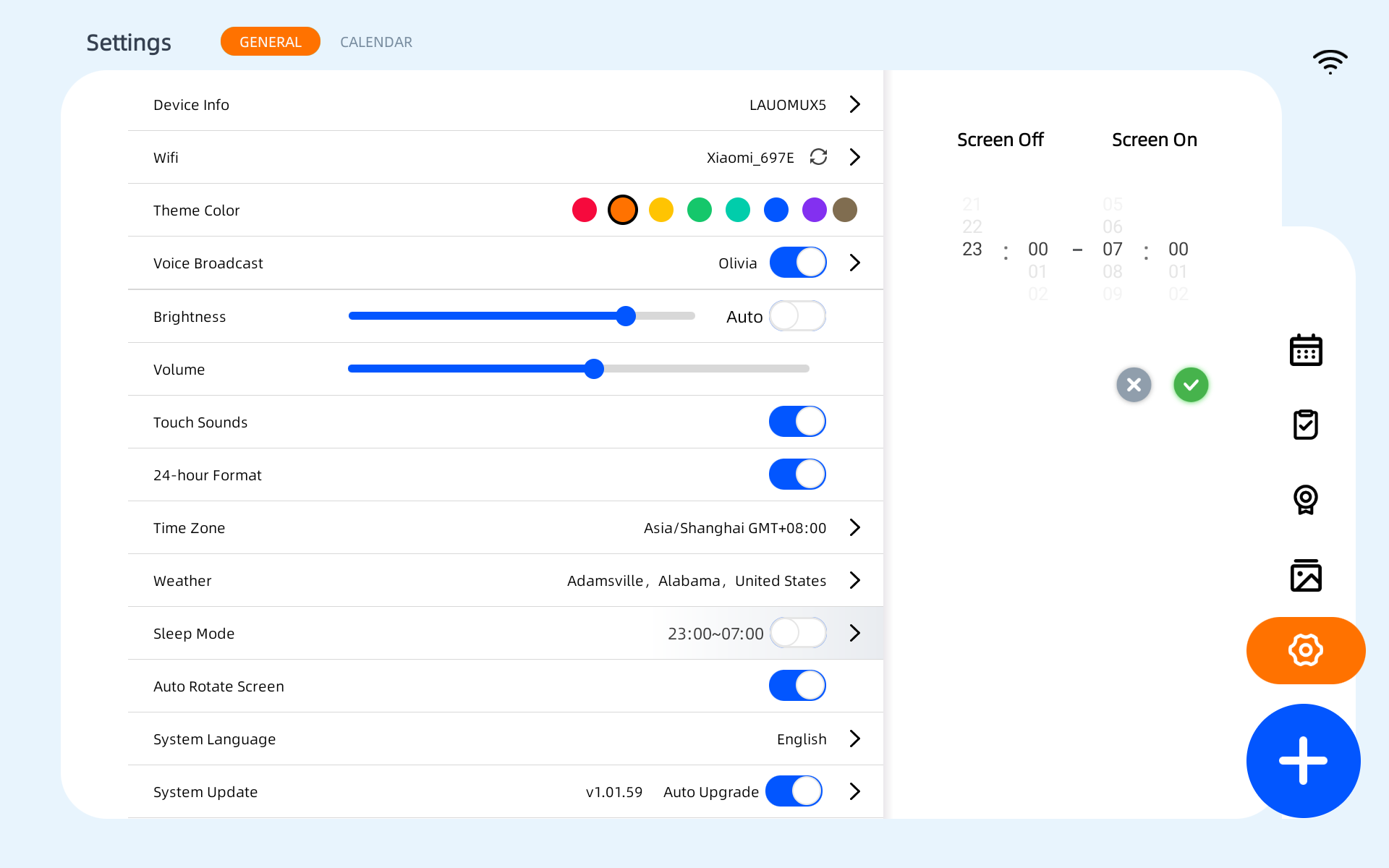
Sleep Mode: Screen Off / Screen On time pickers