| Item | Purpose |
|---|---|
| Device Info | View and rename the device; shows the Device ID and its QR code (usable when adding the device in the app) |
| Wifi | Current and available networks, switch or reconnect (see 8.2) |
| Theme Color | Eight accent colors (red/orange/yellow/green/teal/blue/purple/brown), applied instantly |
| Voice Broadcast | Broadcast toggle and voice roles (see 8.3) |
| Brightness | Brightness slider with an Auto option |
| Volume | System volume slider |
| Touch Sounds | Touch feedback sounds toggle |
| 24-hour Format | 24-hour clock toggle |
| Time Zone | Time zone picker (same as 2.4) |
| Weather | Weather city picker (same as 2.4) |
| Sleep Mode | Overnight window (e.g. 23:00~07:00) during which the screen sleeps automatically |
| Auto Rotate Screen | Auto-rotate toggle |
| System Language | Interface language: English / 简体中文 |
| System Update | Current version, Auto Upgrade toggle, manual update check (see chapter 9) |
| Reset the device | Factory reset (high impact — see 2.7) |
| About | MAC address, device SN/model/firmware, app-download QR and official contacts (see 8.5) |
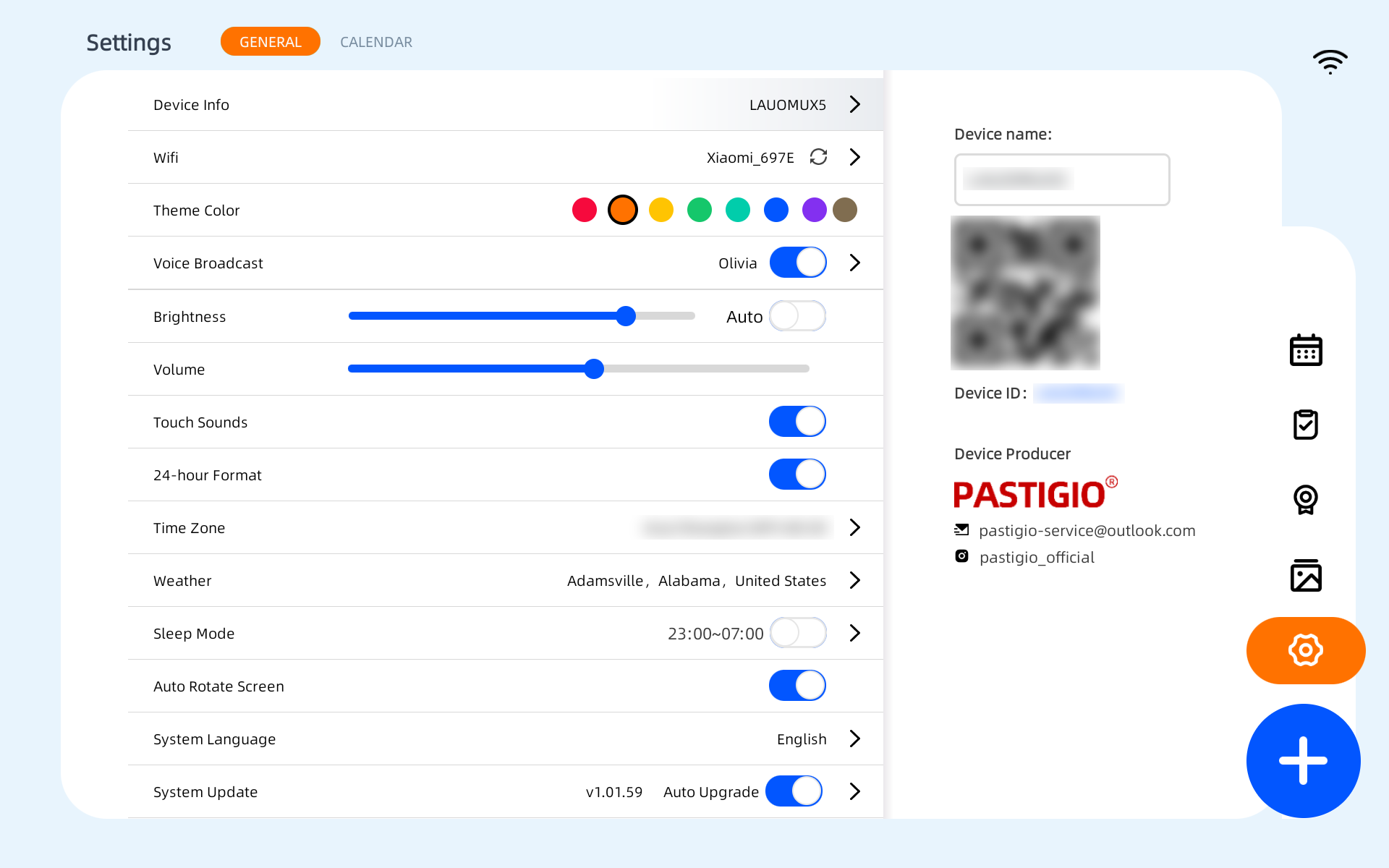
GENERAL (top): item list + Device Info detail
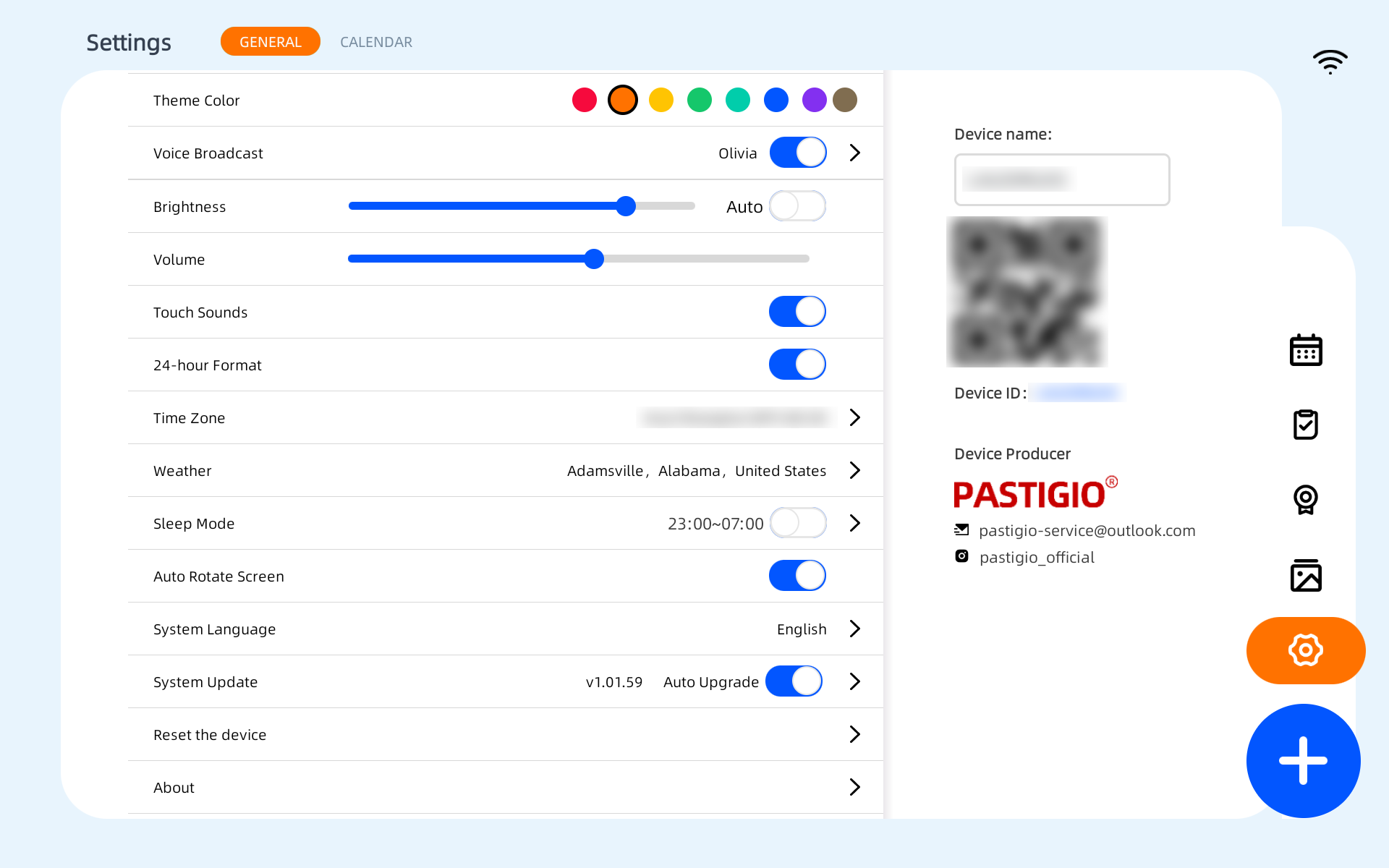
GENERAL (bottom): System Update / Reset the device / About