Tap the photo icon to open Photo Album. Photos are uploaded from the KAIROS AI Calendar phone app and sync to the device over the network; the device is used for browsing, slideshows and deletion.
- Browse: photos in a grid, total count at the top-left (Photo Album / N).
- Slideshow: tap the green ▶ in the bottom-right corner for fullscreen
playback; tap the screen to show pause/exit controls.
- Delete: tap the edit icon in the header for multi-select (select all/single), deletion requires a
second confirmation.
- Order & interval: configured in Settings → CALENDAR → Photo (received time / shuffle,
10/20/30/60s).
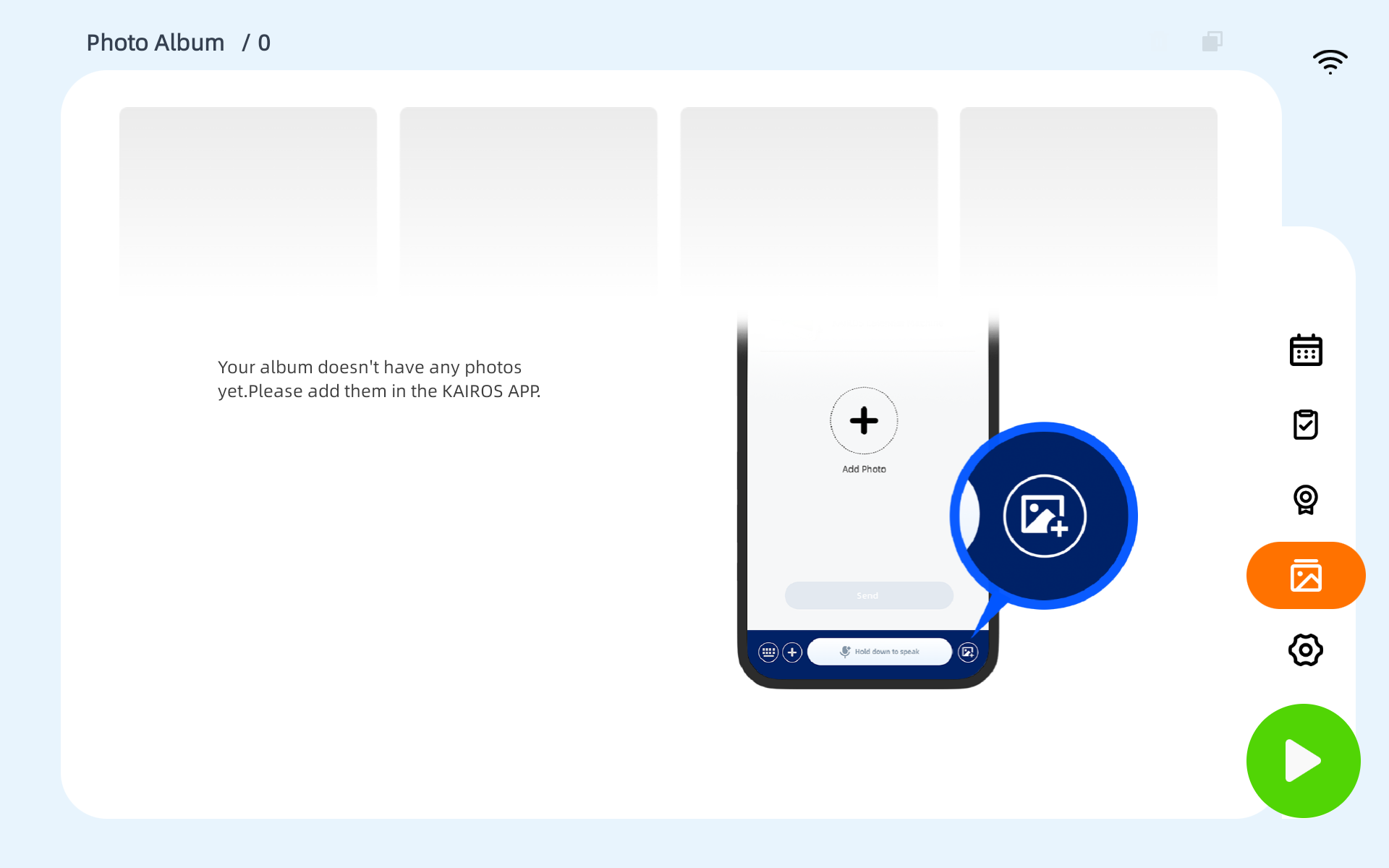
Photo Album empty state: add photos in the KAIROS Calendar App
Tip
There is no upload entry on the device; an empty album shows the guide illustration. The idle screen saver also uses album photos (see 8.4).