Tap the blue + to open New Reward:
- Enter the reward Title (required) and Description (optional).
- Set the cost with the − / + stepper.
- Choose the members who may redeem it under @ (at least one).
- Renew after redeeming: when on, the reward returns to the list after each redemption; when off it
disappears once redeemed.
- Save with the green ✓; tap an existing reward to edit or delete it in the edit form.
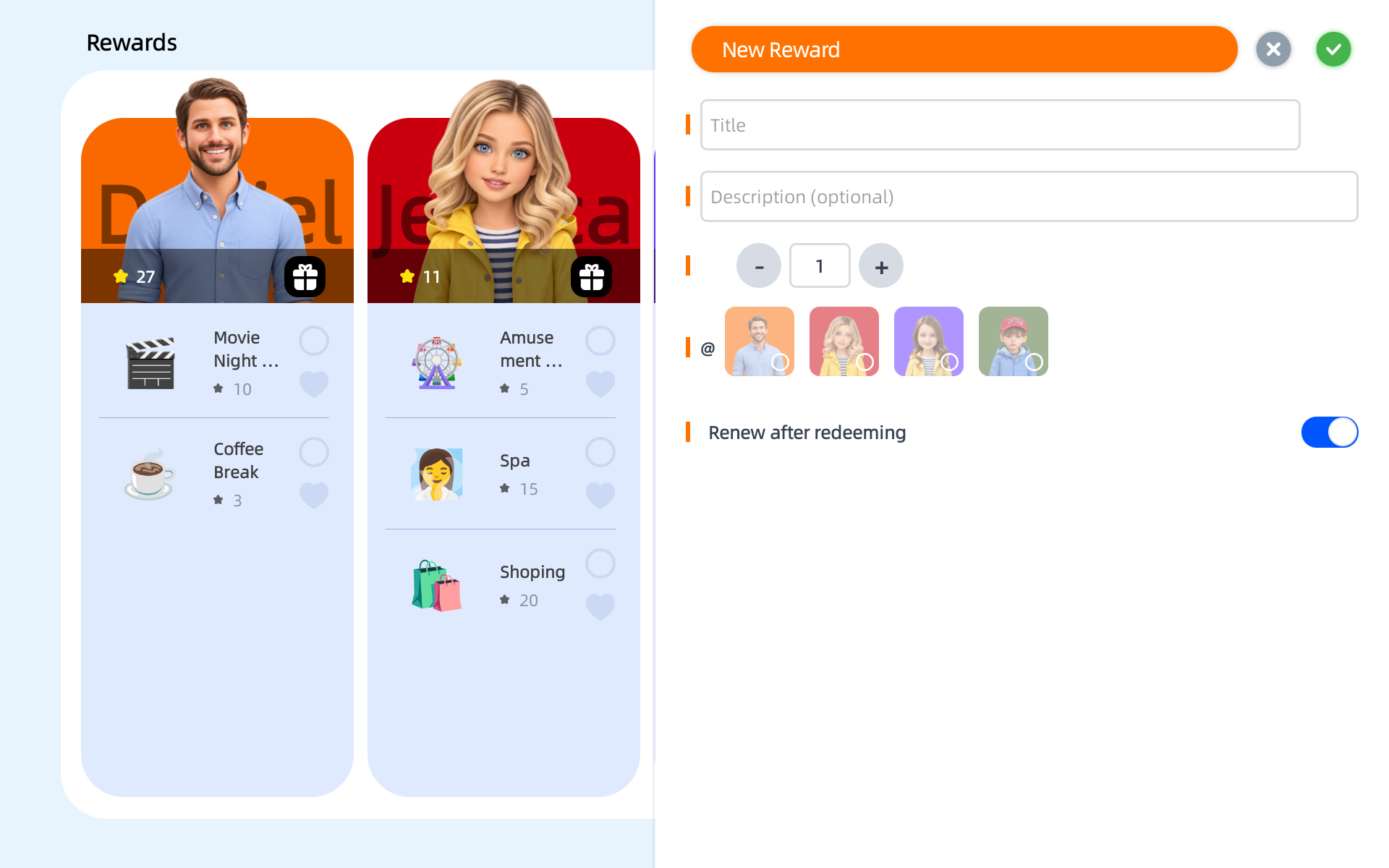
New Reward form