- When due (timed tasks unlock at the start time), the member taps the circle next to the task.
- If Require approval is on, a request dialog appears — tap send to submit the application.
- Once a parent approves (phone app or device), the task is marked complete and points are added.
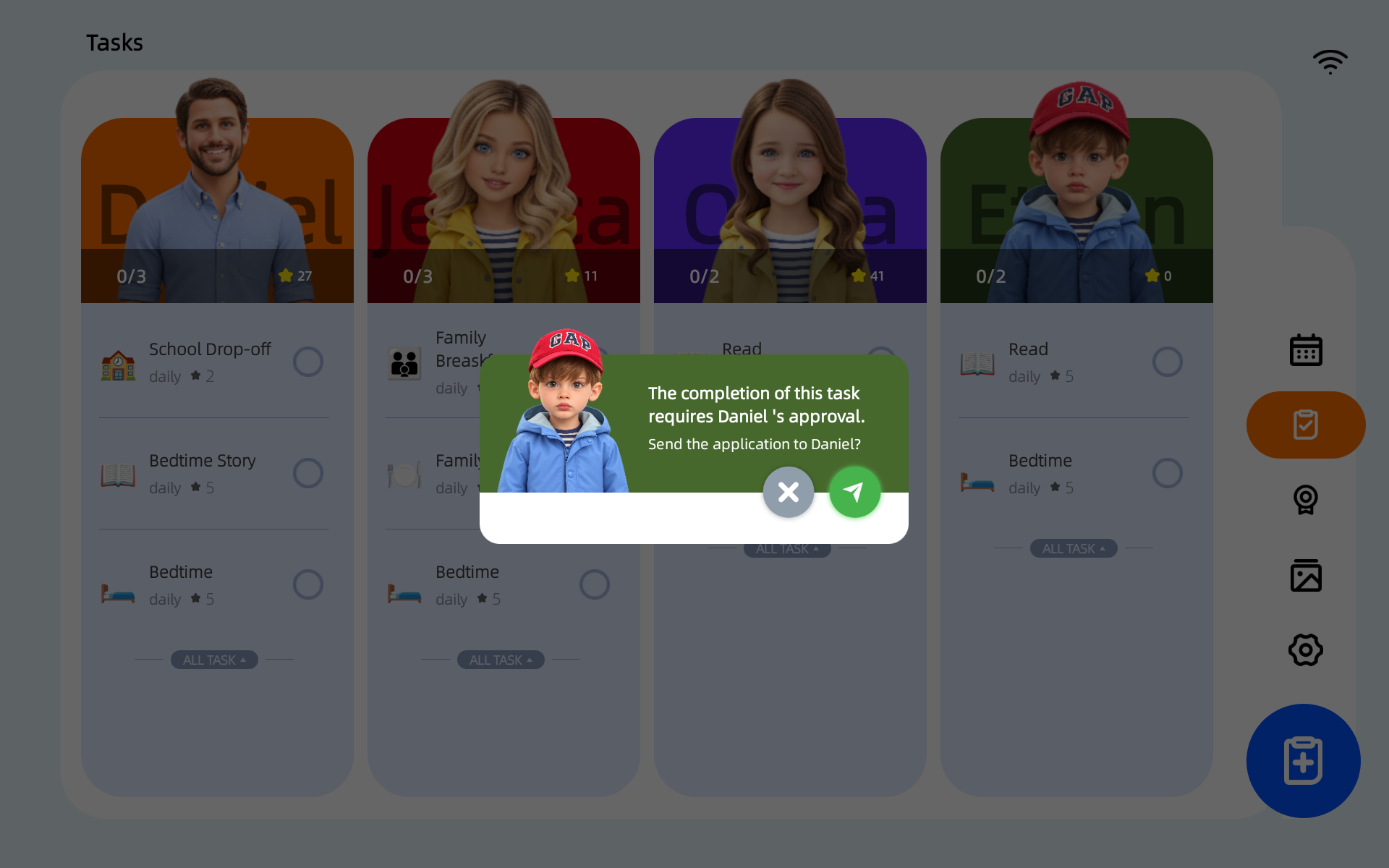
Approval request dialog (Send the application to …?)
Tip
Tasks cannot be checked in before their start time; repeating tasks show a fresh circle every cycle, and points accumulate on the member card.