Tap the blue + to open New Task:
| Field | Description |
|---|---|
| Title / Description | Task name (required) and optional notes |
| Timed Task + Start | When on, set the start date and time; when off the task has no fixed start |
| @ members | Choose who should do the task (at least one) |
| Repeats | Repeat toggle: daily/weekly/custom weekdays; repeating tasks generate a new to-do each cycle |
| Points after completion | Points awarded on completion: 1 / 2 / 5 / 10 / 20 |
| Show on Calendar | Also display the task on the calendar |
| Require approval | Completion becomes a request that a parent must approve |
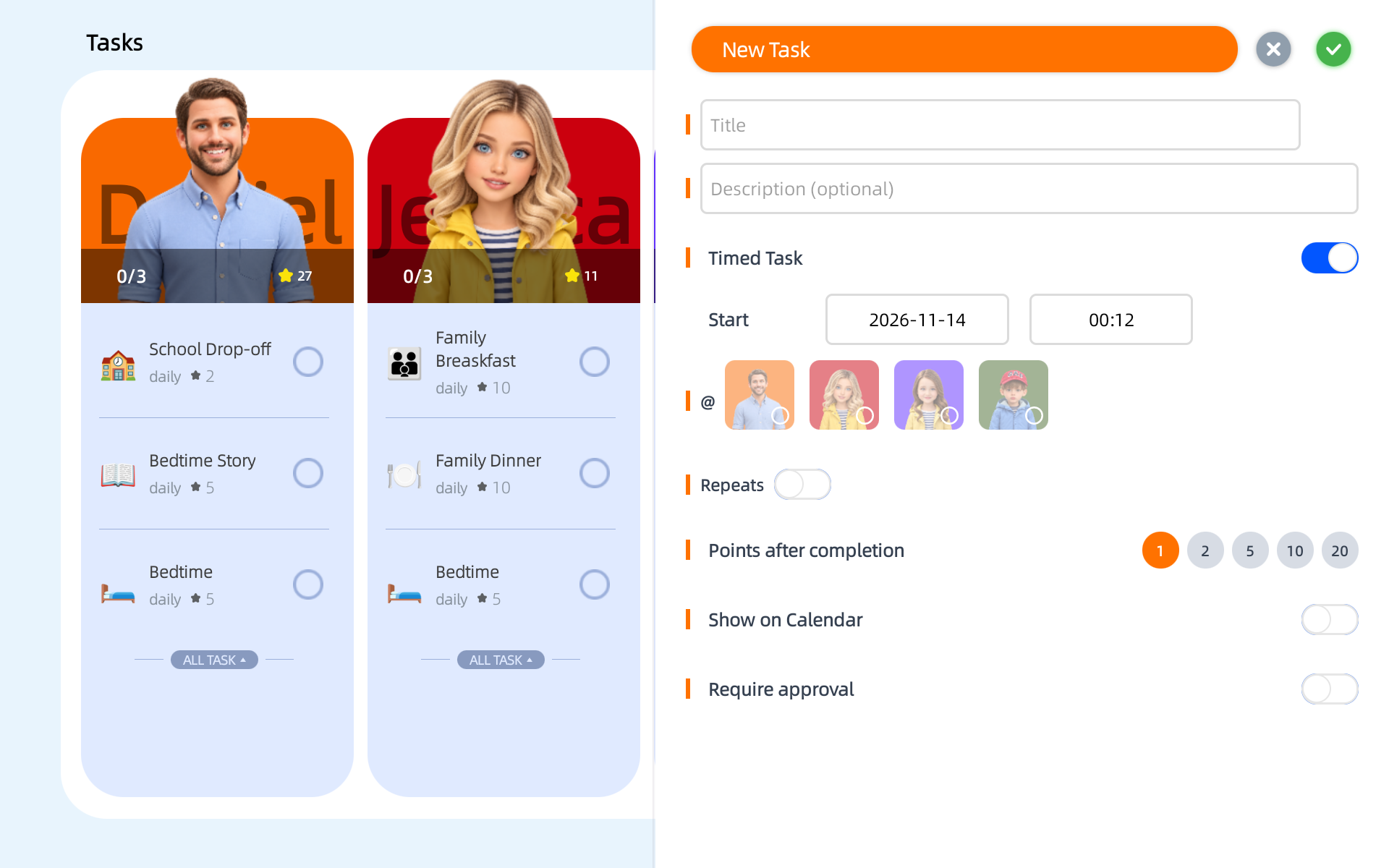
New Task form