Tap the blue + in the bottom-right corner of the calendar to open Add Event:
- Enter a Title (required); Description is optional.
- ALL Day toggle: on for all-day items; otherwise fill Starts / Ends date and time (end time may
stay empty but must not be earlier than the start when provided).
- Reminder: choose how long before the event to remind (e.g. 5 minutes before).
- Assign: tap member avatars to assign one or more members (at least one).
- Repeats: enable to repeat every day/week/two weeks/month/year or custom weekdays, with
End Repeat (never / on a date).
- Tap the green ✓ in the header to save, or ✕ to discard.
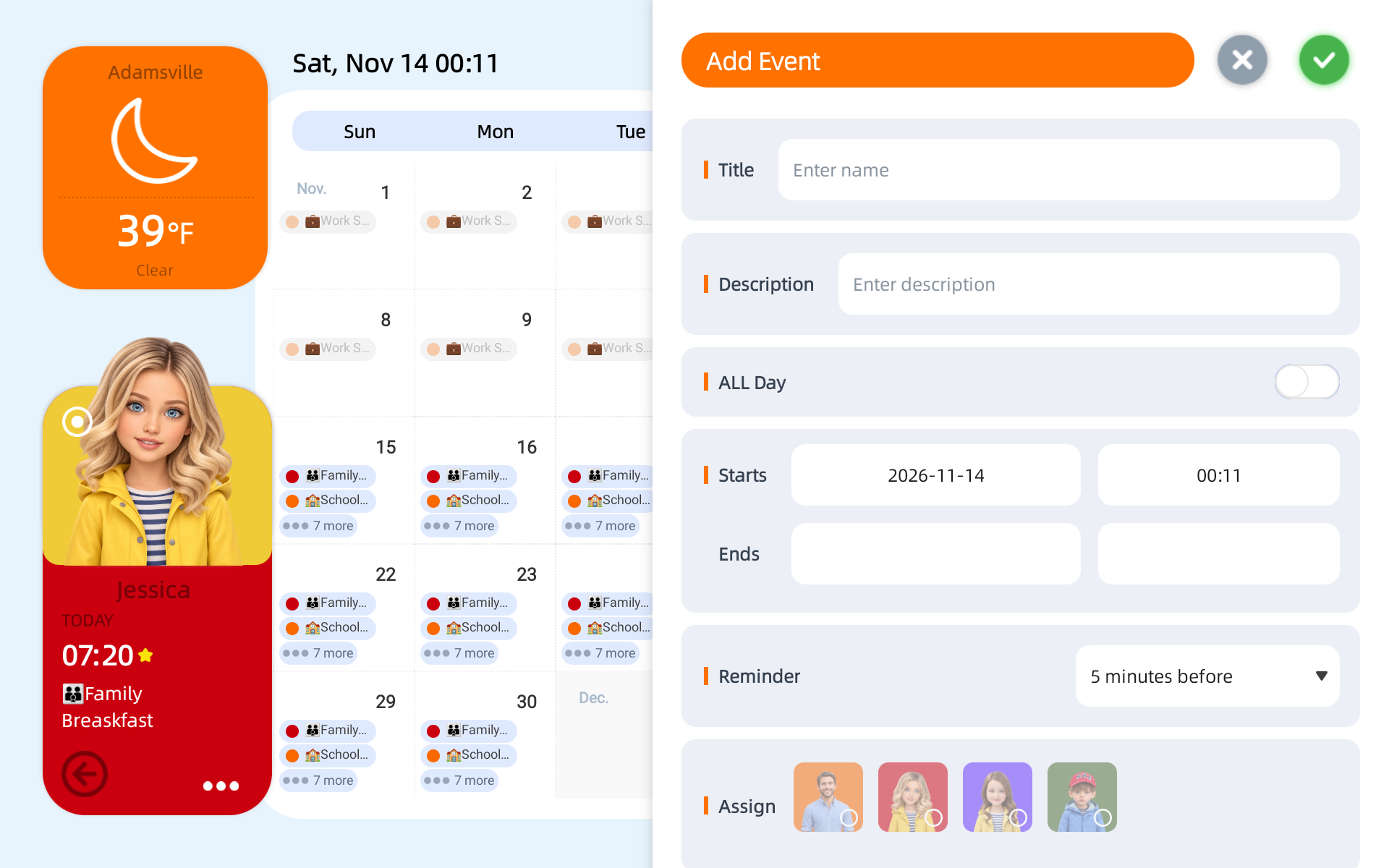
Add Event form
Validation
The title cannot be empty; end date and end time must be provided together and not earlier than the start; at least one member must be selected. Invalid forms are rejected with a prompt.