By default one large member card is shown on the left. Tap ··· in the card's bottom-right corner to expand all family member cards side by side, each with a toggle circle in its top-left corner:
- Switch member: tap any member card to bring that member to the front and collapse back to a
single card.
- Show / hide members: check the circle on a card = show that member (their task/reward cards and
calendar content appear); uncheck = hide that member (their events, tasks and rewards are hidden, but not deleted — check again at any time to bring them back).
- This visibility list is the same data as Settings → CALENDAR → Display Members; changes in either
place stay in sync.
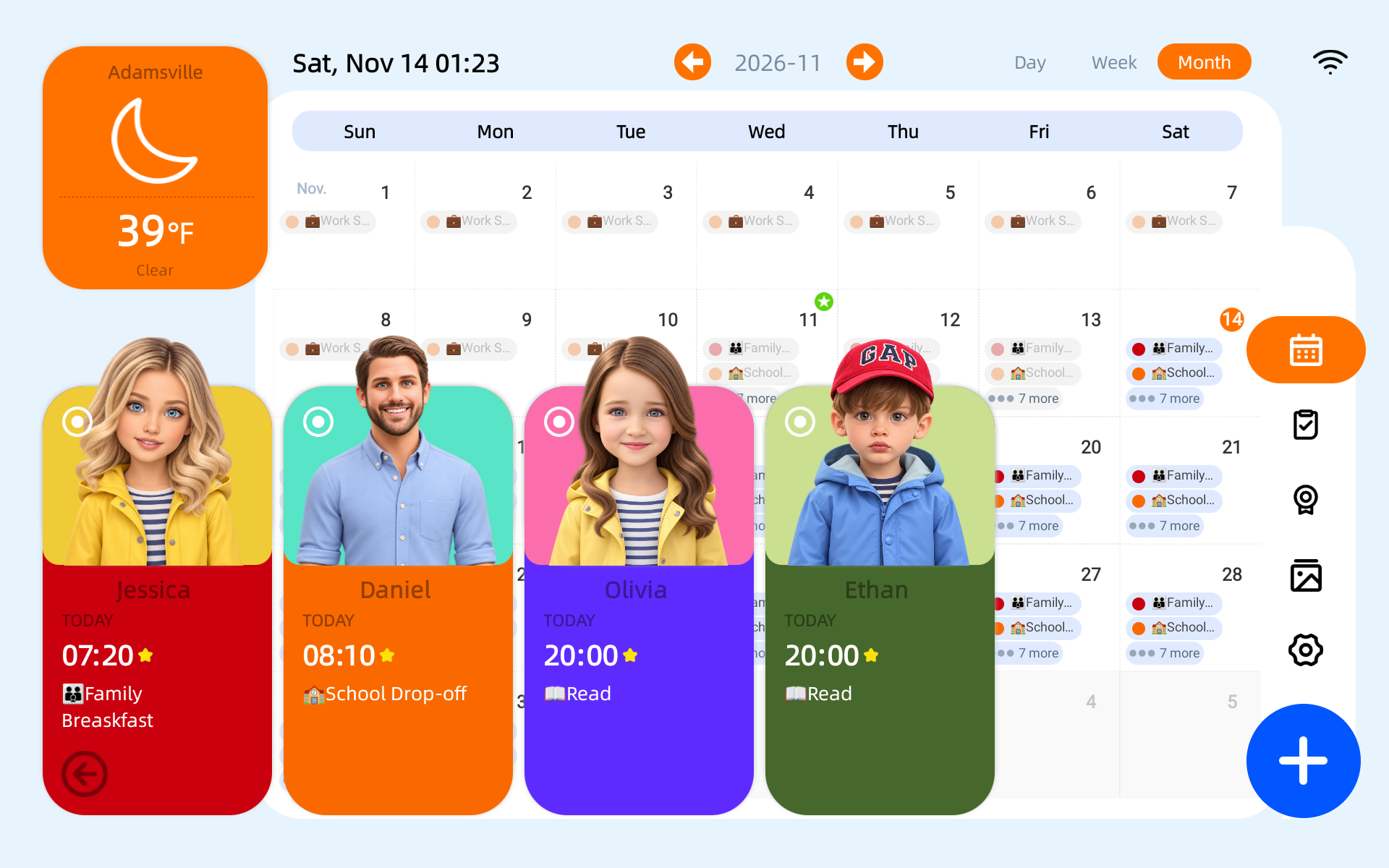
Tap ··· to expand all member cards (toggle circle on each card)
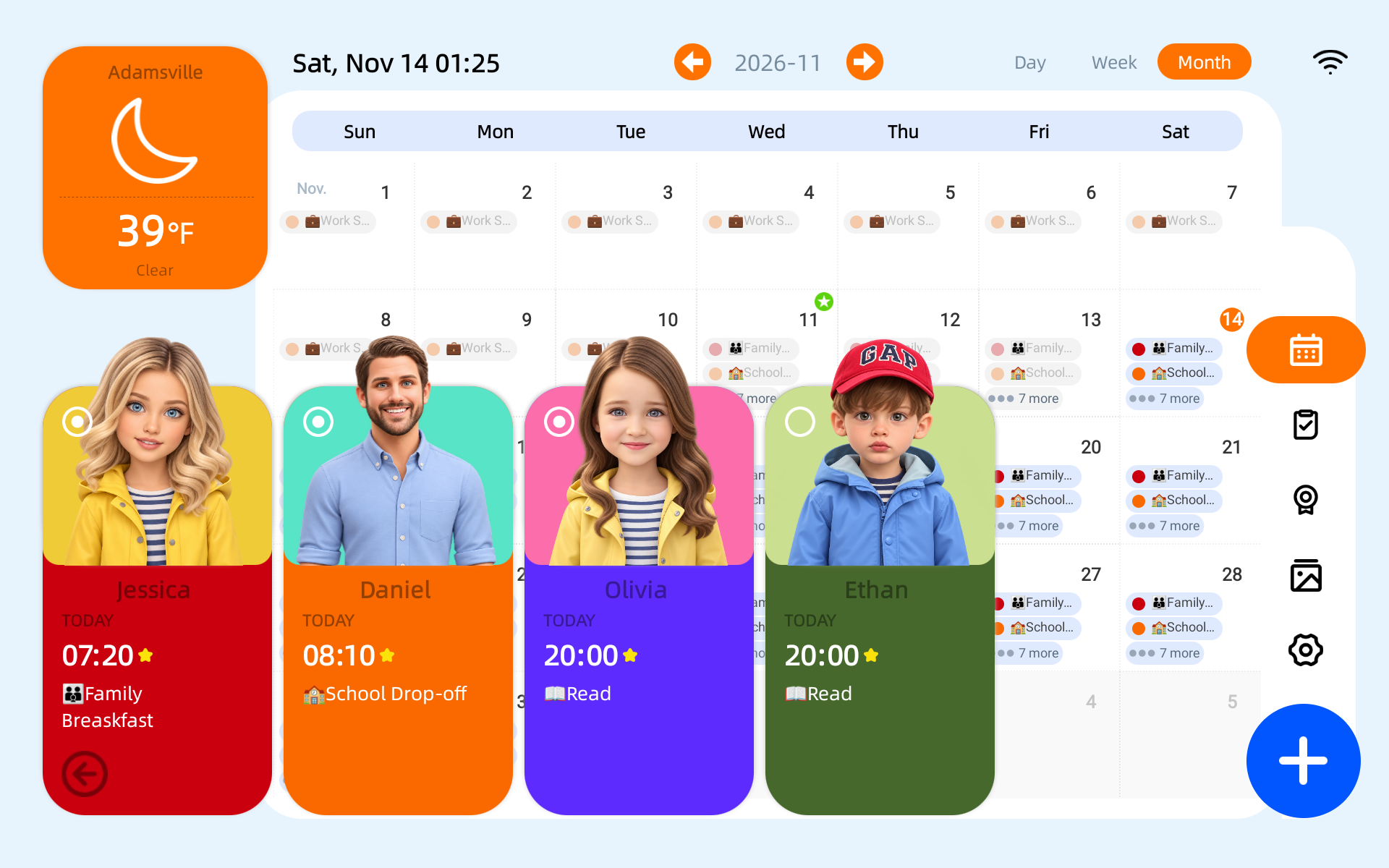
Ethan unchecked: member hidden (check again to show)