Tap NEXT to open the Activation Product page: “This is a brand new KAIROS AI Calendar. Click to activate the device.” Tap ACTIVATE — the device requests its activation code from the server; when the progress bar completes, the binding page appears automatically.
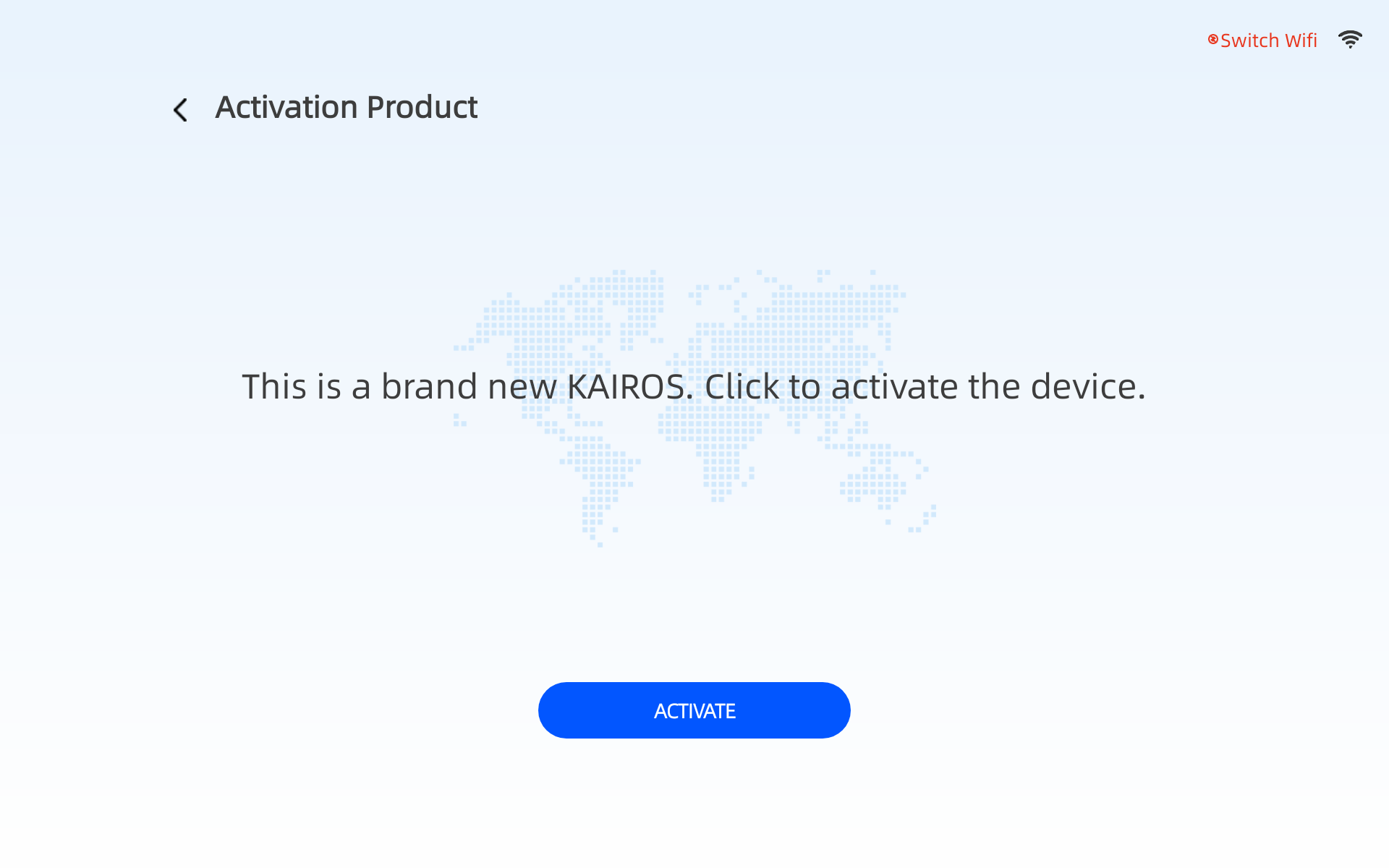
Activation Product page
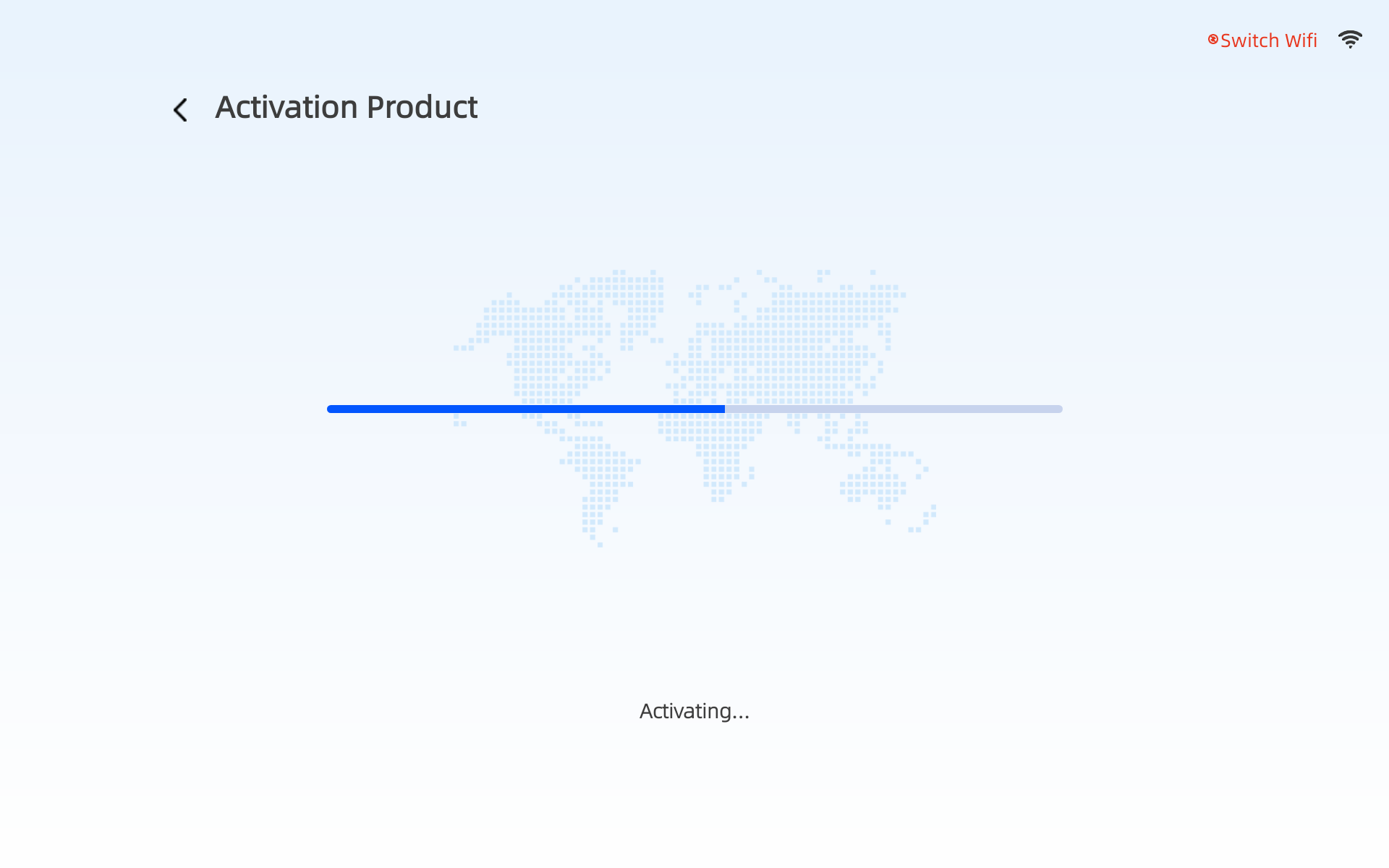
Activating… progress bar (keep the device online and powered)
Note
Activation requires internet. A red Switch Wifi badge in the top-right corner means the network is not ready — tap it to go back and reconnect. If activation fails, a message appears and you can tap ACTIVATE again.