Activation and data sync both require internet. Pick your 2.4GHz home Wi-Fi and enter the password.
- On the Connect to wifi page tap your network in the list (lock icon = secured).
- Enter the password in the Enter Password dialog and tap ✓ on the keyboard.
- Wait for the connection: a check mark appears next to the network name and the Wi-Fi icon in the
top-right corner returns to normal.
- Tap NEXT to continue to time and location.
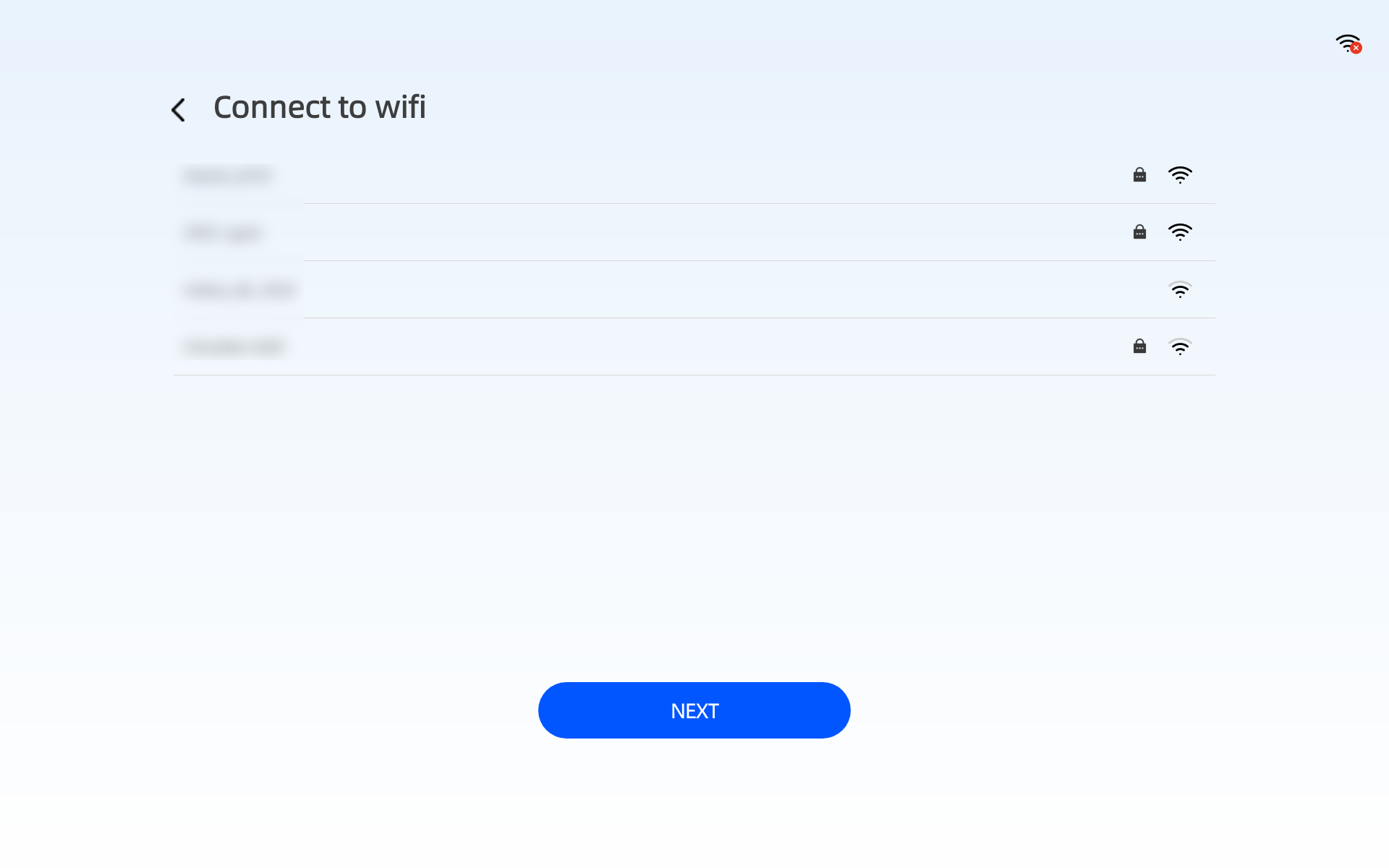
Connect to wifi: network list (NEXT to continue)
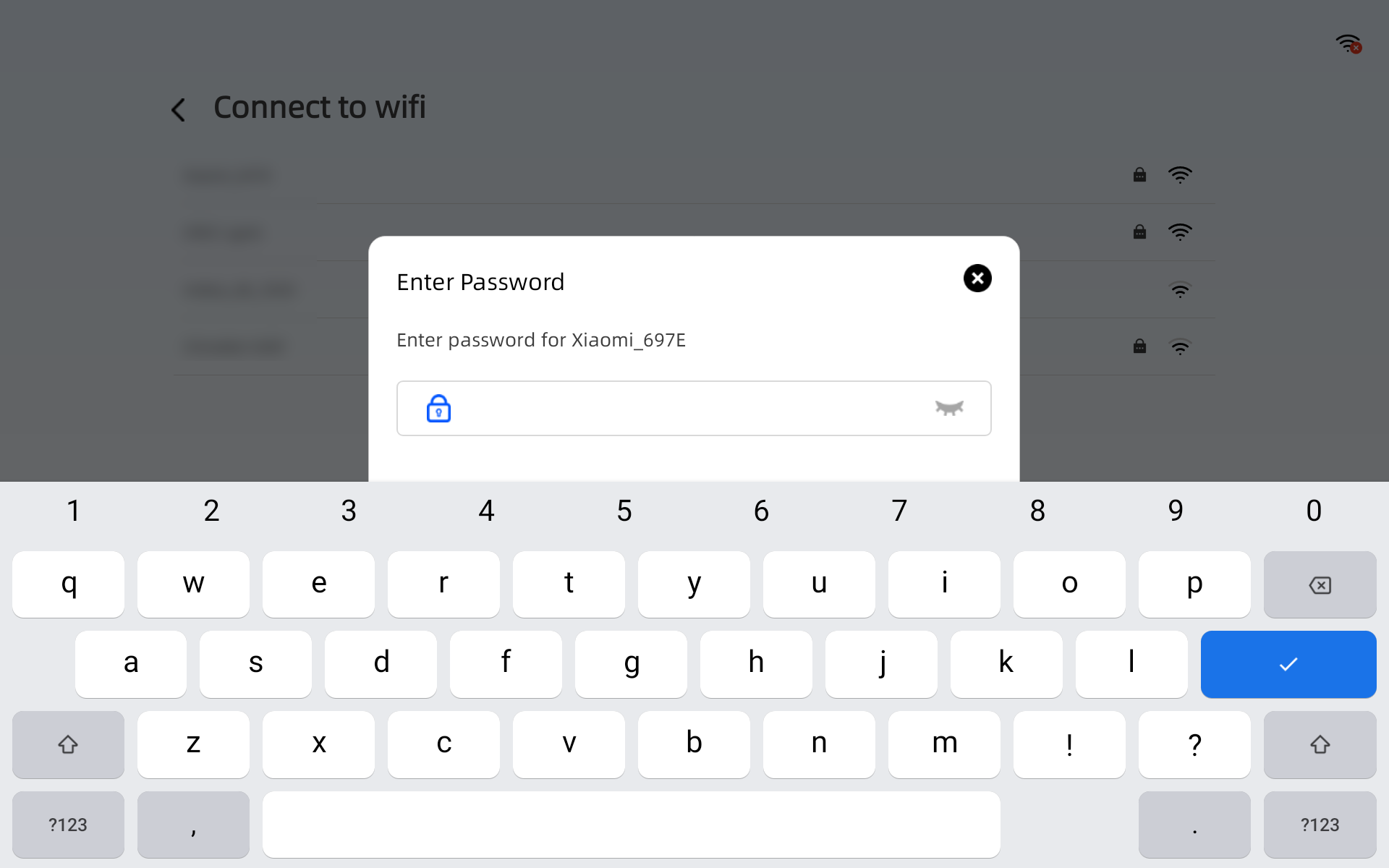
Enter Password dialog
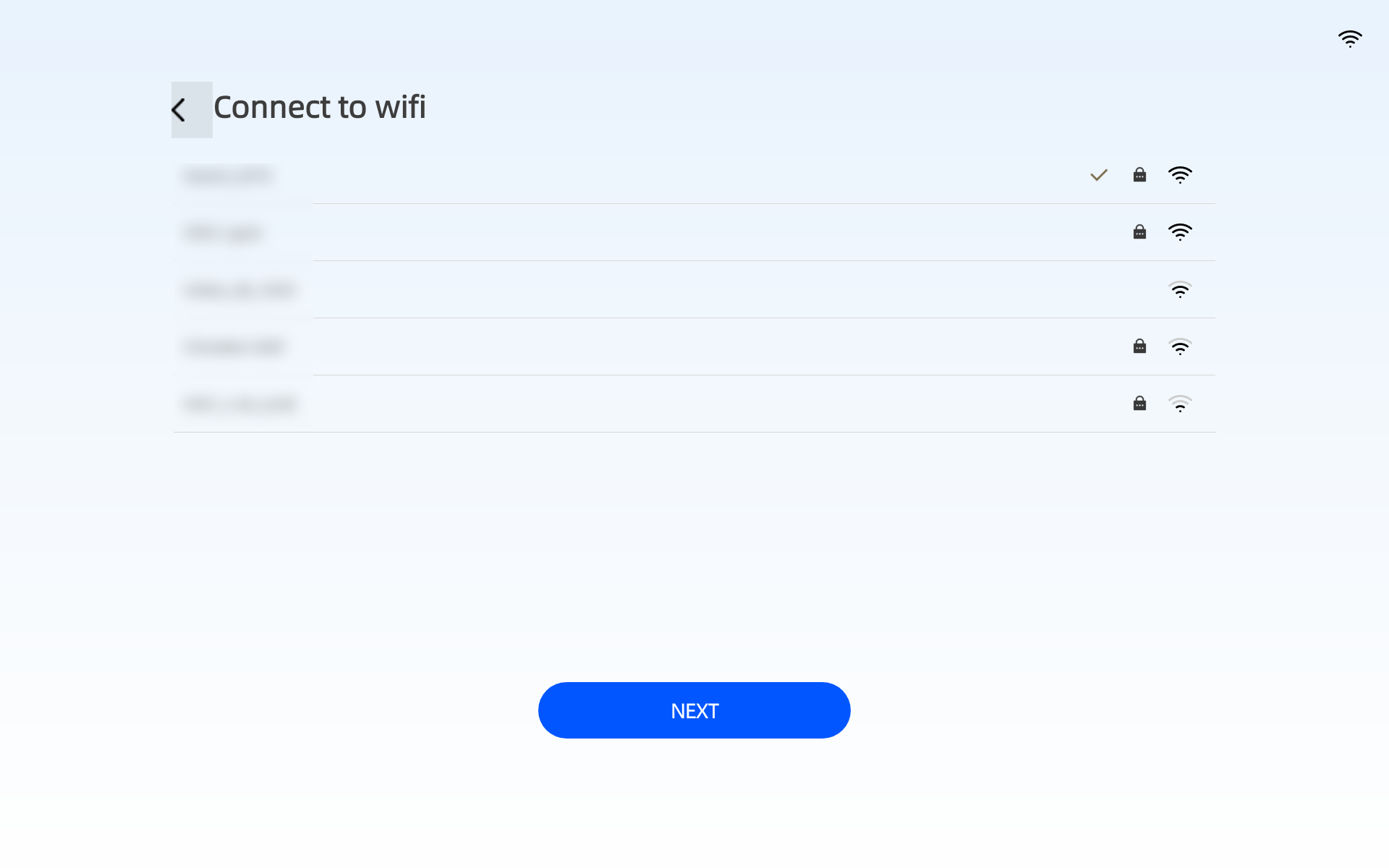
Connected: check mark next to Xiaomi_697E
Tip
Only 2.4GHz Wi-Fi is supported. If your network is missing, enable the 2.4G band on the router and refresh the list. The icon in the top-right corner always shows the current network state.