Tap the dropdown on the language page to choose between 简体中文 (Simplified Chinese) and English. The change applies immediately. Then tap START to continue.
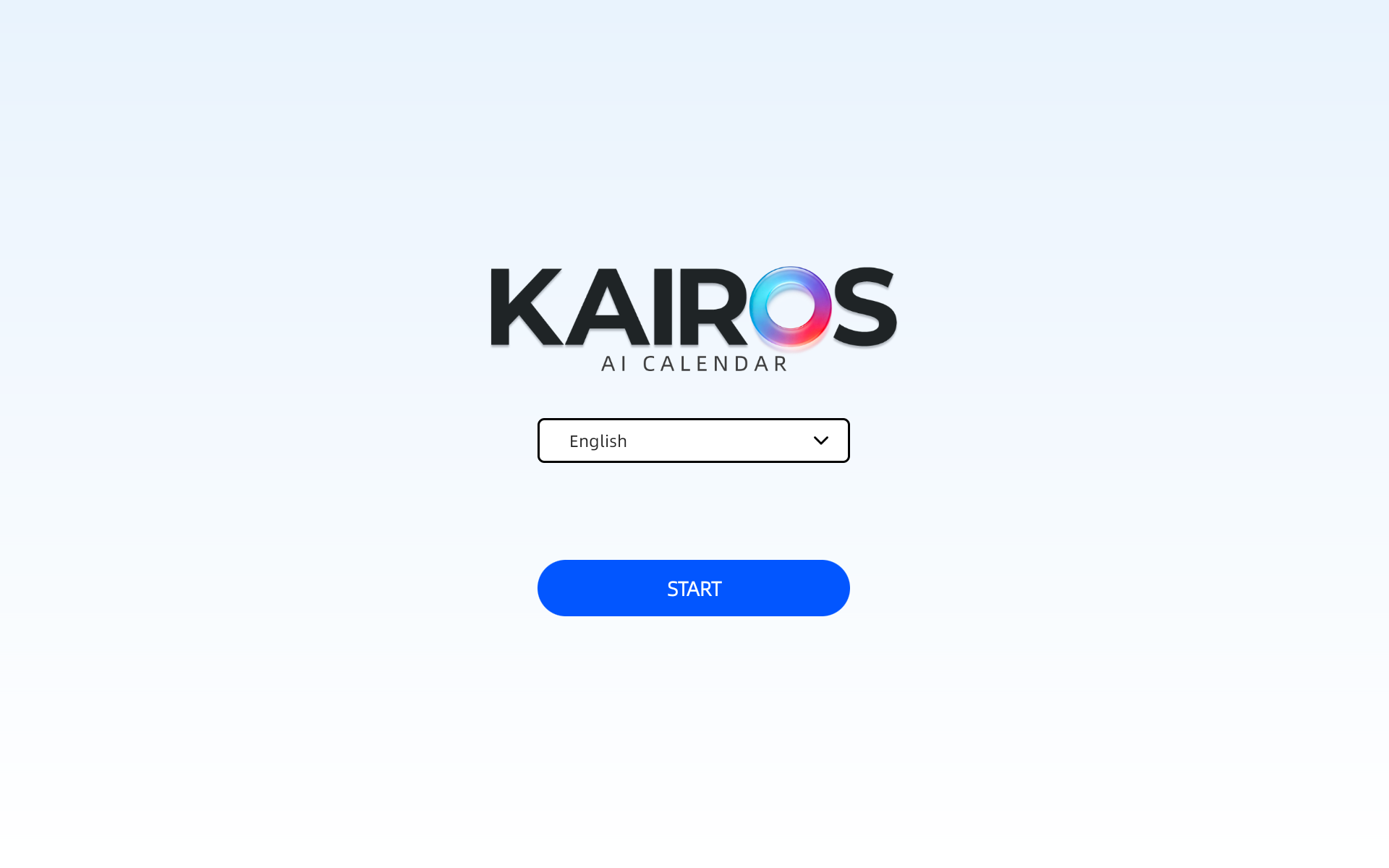
Language selection page (English by default)
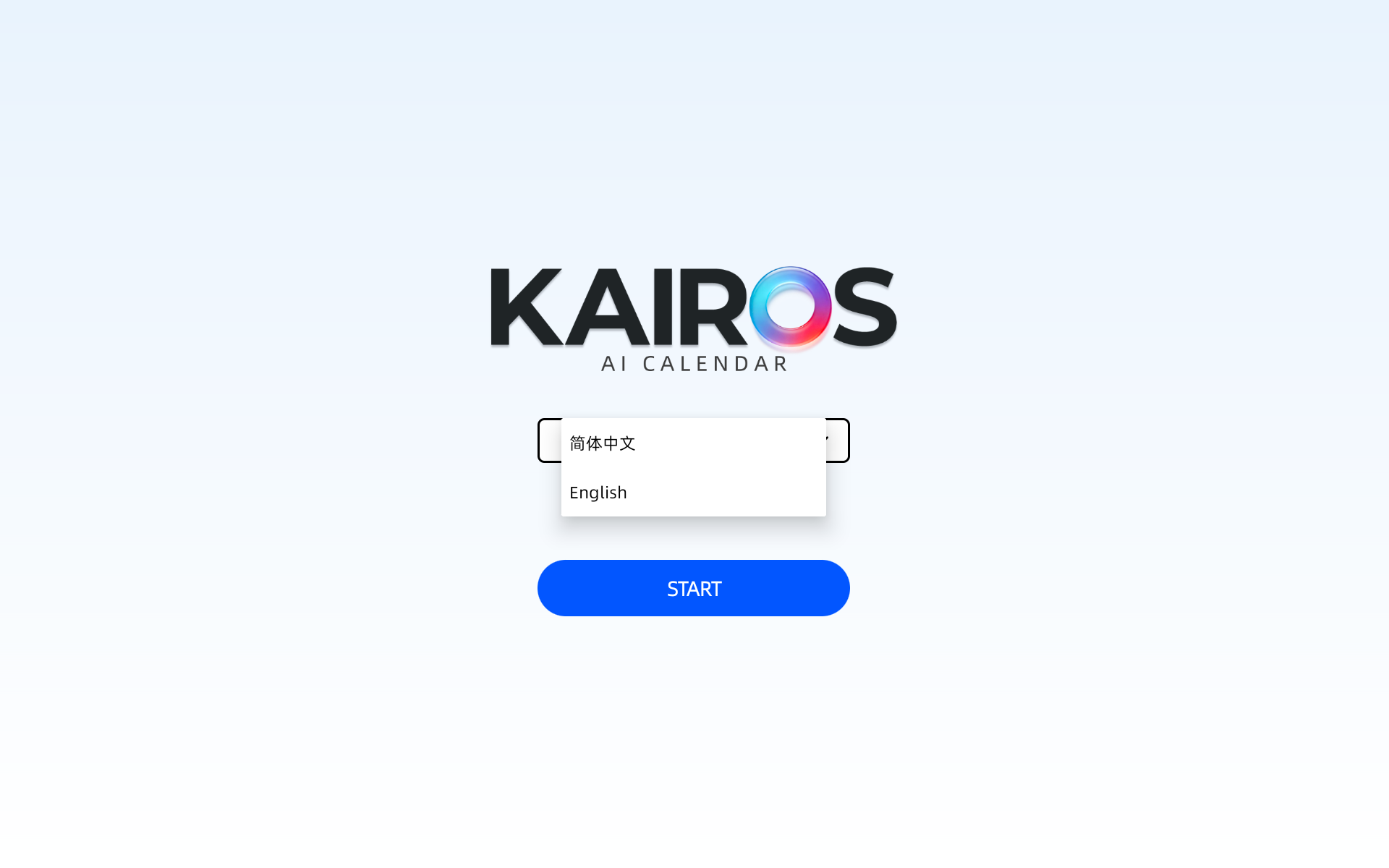
Language dropdown: 简体中文 / English
KAIROS Calendar · Official resources
Official KAIROS instructions and screenshots: 2.2. Language Selection
Tap the dropdown on the language page to choose between 简体中文 (Simplified Chinese) and English. The change applies immediately. Then tap START to continue.
Language selection page (English by default)
Language dropdown: 简体中文 / English