In Settings → GENERAL → Reset the device you can review the reset notice and perform a reset: internal data is erased (member cache, Wi-Fi records, local settings), while cloud data stays with your KAIROS AI Calendar account and can be re-assigned to this or another device with the activation code.
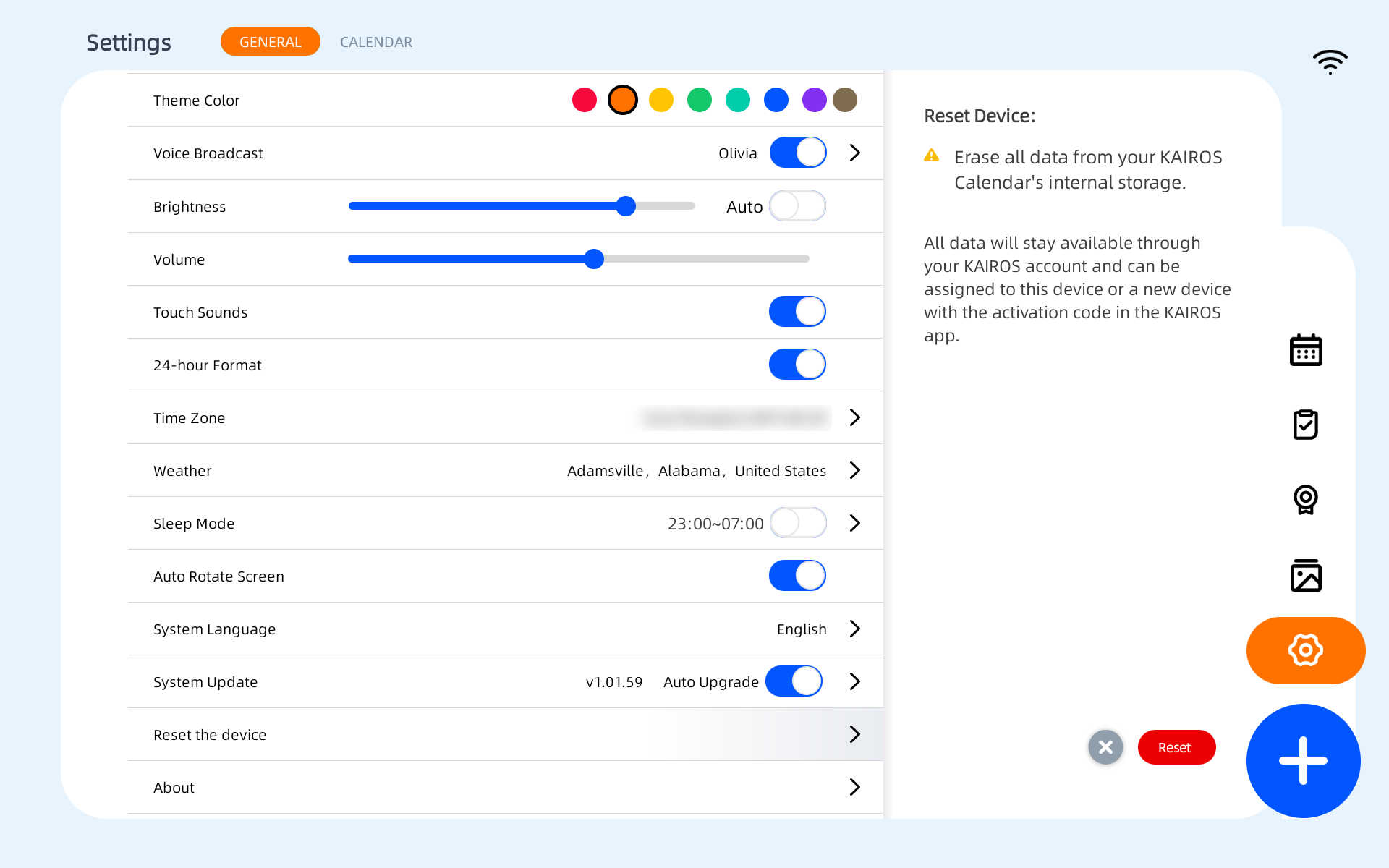
Reset Device panel: notice and red Reset button
Reset success: “Reset Device Success” toast on the splash
What happens after a reset
- The device shows Reset Device Success and returns to the splash screen.
- The setup wizard starts over: **language → Wi-Fi → time zone & location → activation → binding
with the app** (full steps in chapter 2).
- Once bound, family members, events, tasks, rewards and photos sync back from the cloud.
Note
Make sure everything is synced to the cloud before resetting (check in the phone
app); a reset cannot be undone. To hand the device to someone else, reset it and let them bind with their own
phone app.