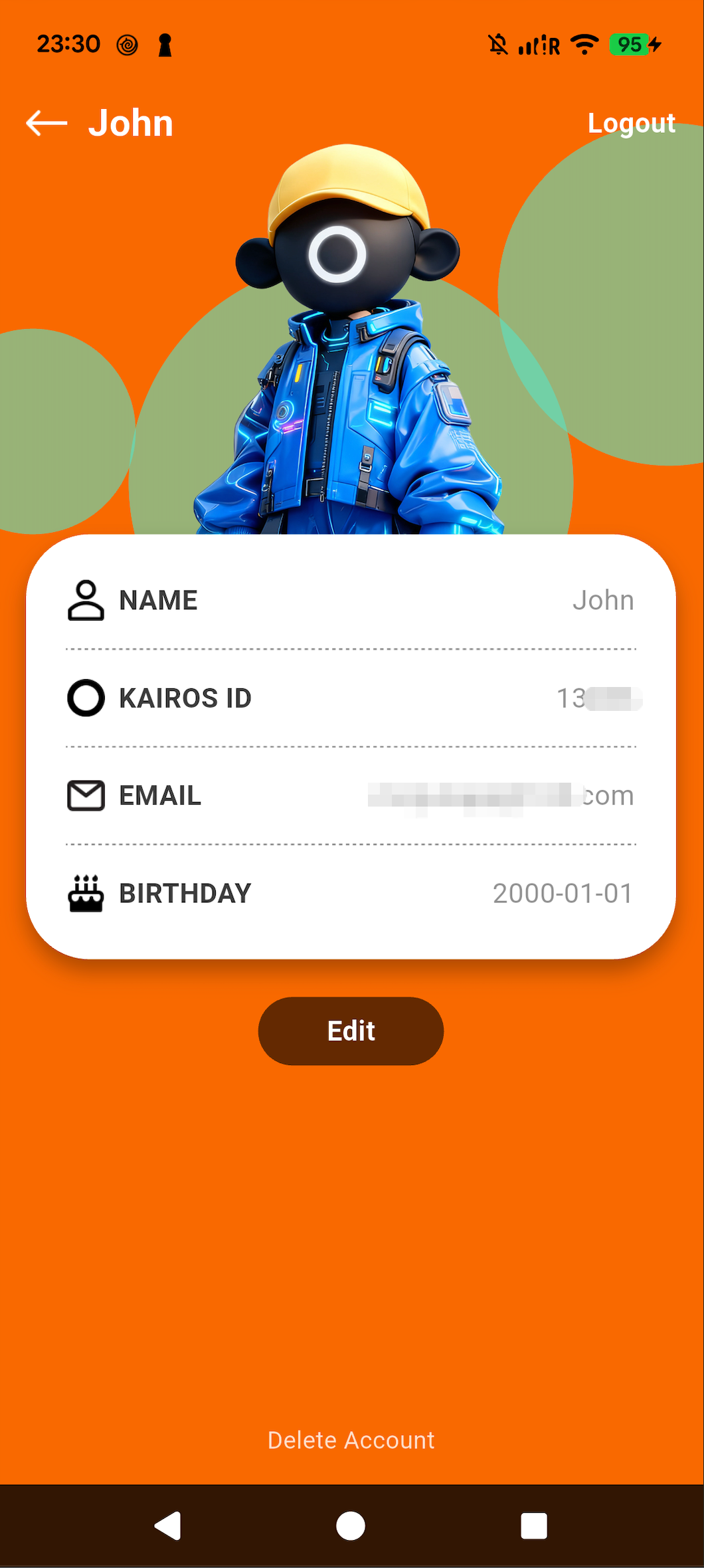
What it does: Displays and updates your personal information and preferences.
Before you start: Sign in.
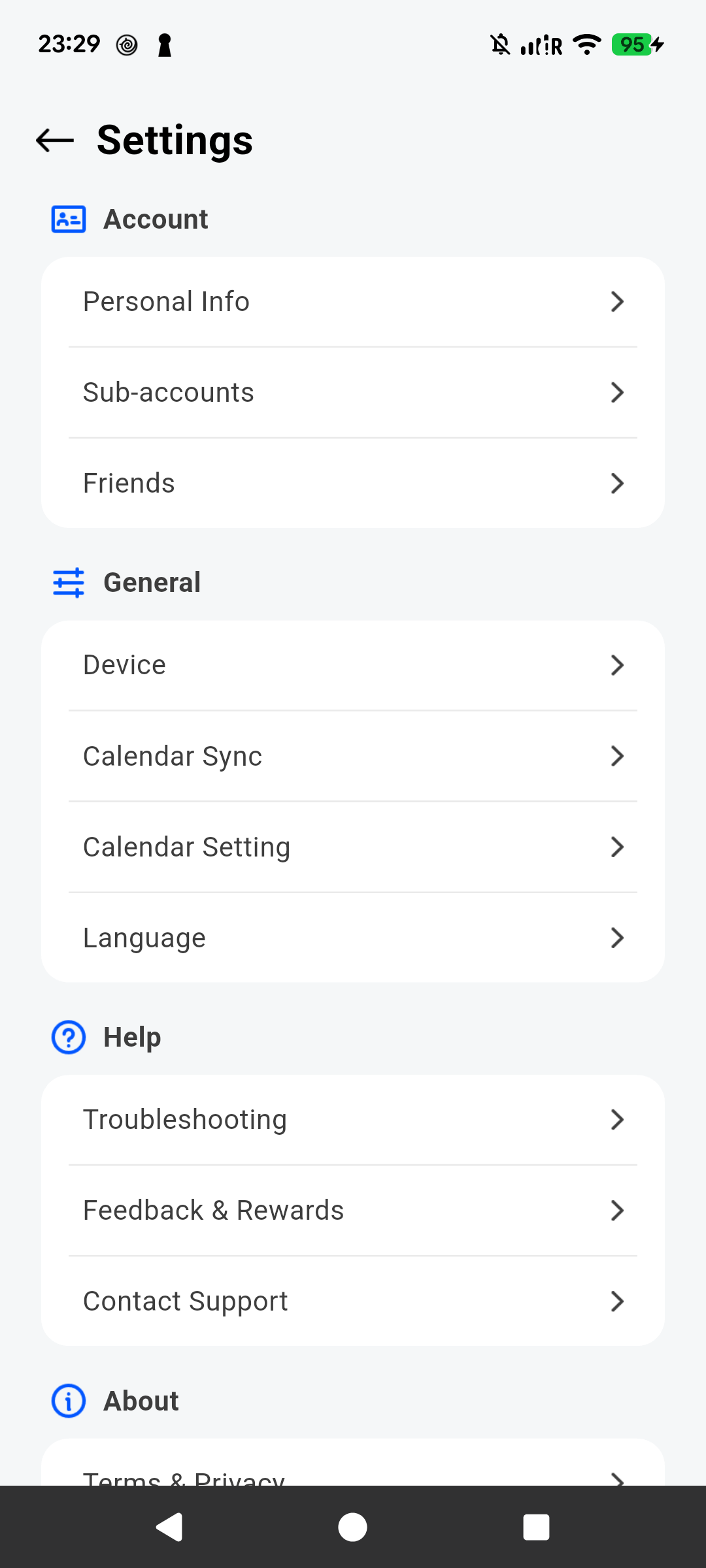
Where to find it: Settings → Personal Info → Edit.
Steps:
- Open Settings and tap Personal Info.
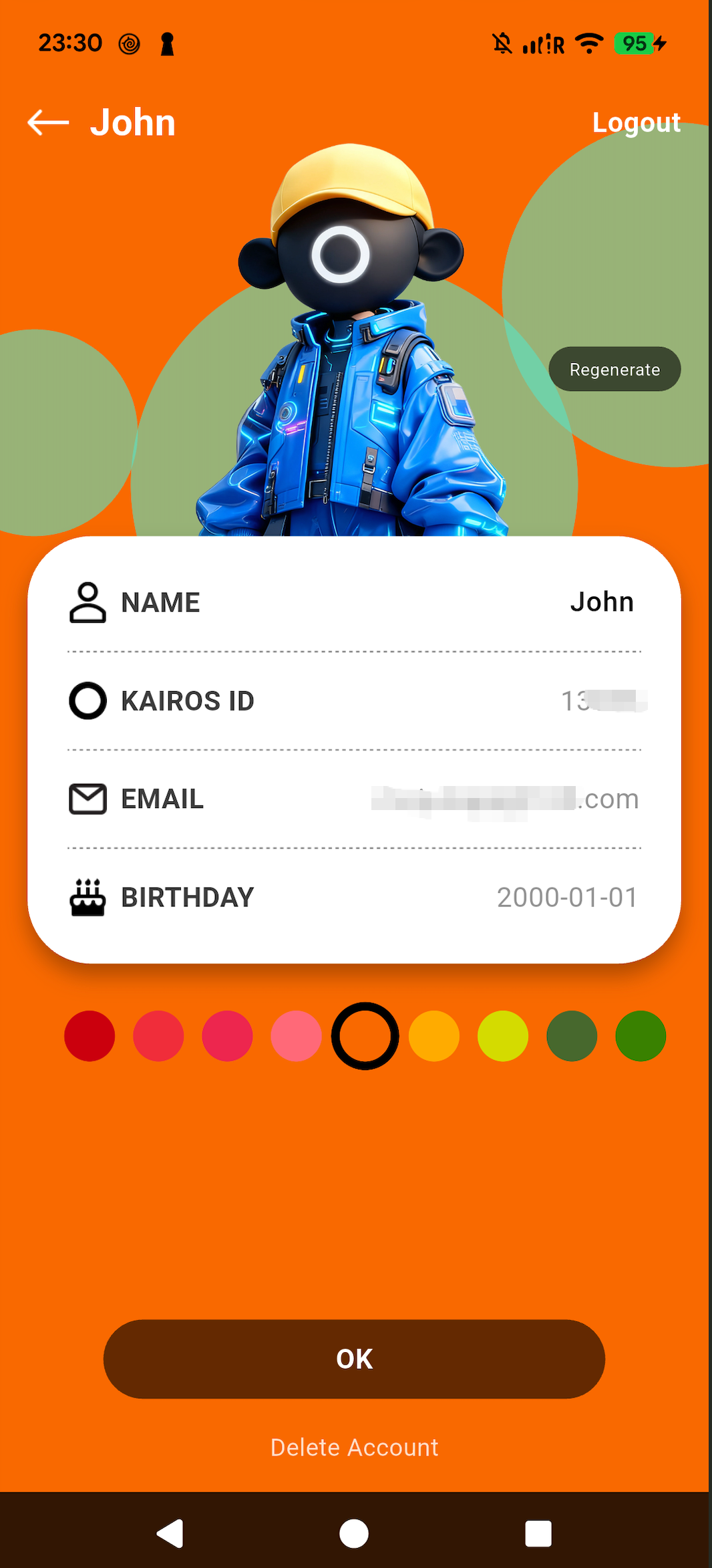
- Tap Edit.
- Change your name or other editable details. Choose a theme color, birthday, or regenerate the AI avatar if those options are shown.
- Save and check the updated profile.
Fields: Name is limited to 20 characters and does not accept emoji. Other fields follow the on-screen instructions.
Result: The profile displays the updated information after saving.
Notes: Changing your profile does not switch the active calendar member.
Common issue: If saving fails, check the name format and connection.
Example: Update your name in the Edit page, save, and confirm it appears on your profile.
In-app screenshots: